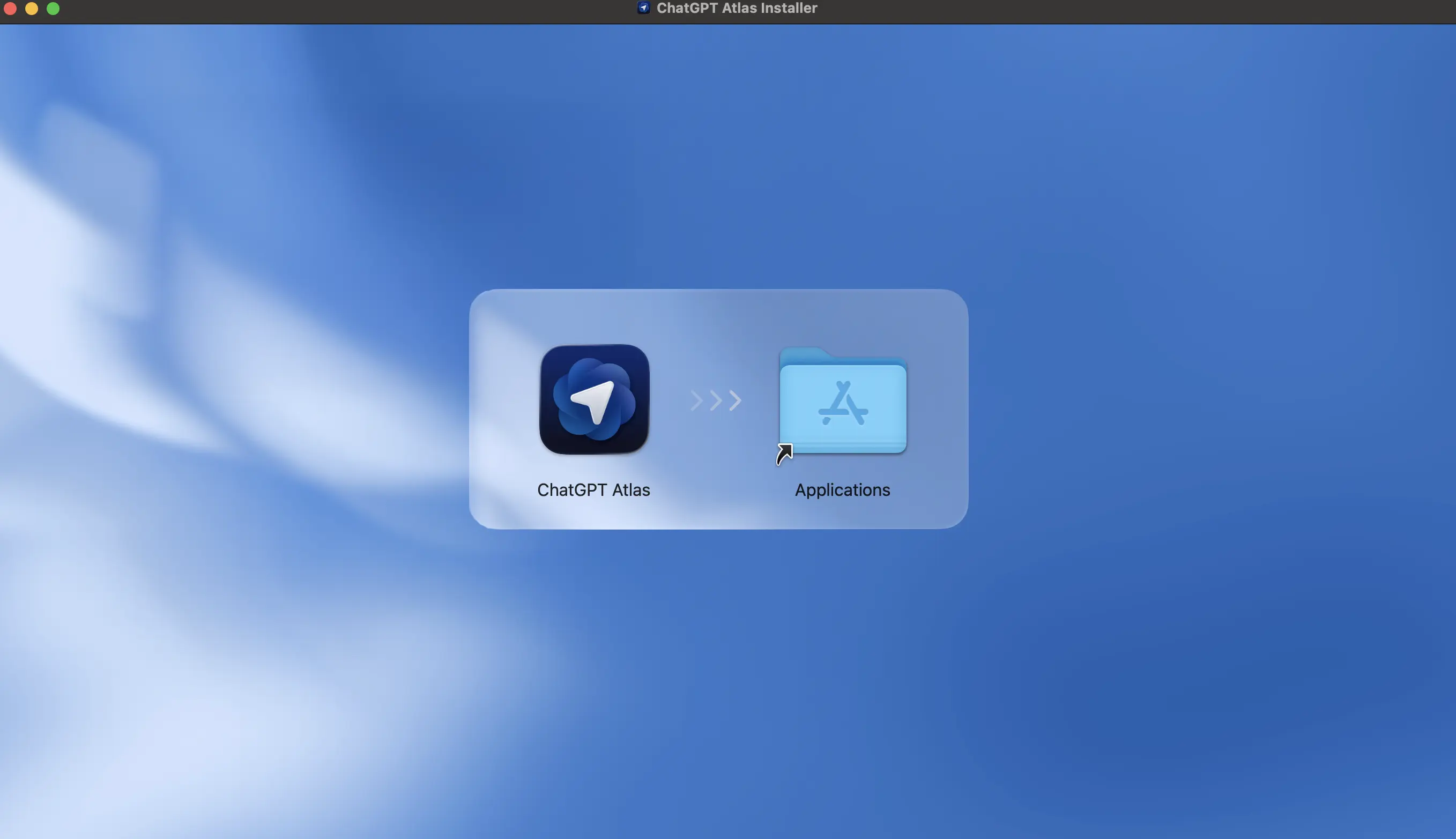
looks intriguing → download → try a bit → seems promising → every search kicks off a chat → uninstall → … → back to Chrome.
Happens to all of us. The question is whether this time is different.
What Atlas is (no hype)
Atlas is a browser with an AI layer on top of search. Instead of throwing a list of links at you, it invites you to chat: summarize, compare, cite sources, and keep an investigation going without opening twenty tabs. The promise isn’t “I’m faster,” it’s “browse while thinking.”
Important: Atlas is built on Chromium
Atlas runs on Chromium, the open-source project used by Chrome, Edge, Brave, and Opera. What that means in practice:
- Web compatibility: if it works in Chrome, it’ll generally work here. (Dev friends: that strange 2017 grid should still be alive. Do a quick smoke test anyway.)
- Solid performance: same rendering engine.
- Extensions: most of the Chrome ecosystem carries over.
Short version: Atlas changes the experience (how you search and decide), but underneath it uses the engine you already know. You’re not jumping into something exotic.
Why this makes Chrome uncomfortable (no drama)
Chrome won on speed + ecosystem (Google account sync, extensions, Android). Atlas doesn’t fight for milliseconds; it moves the interaction from “clicking results” to chatting with the web.
If that habit sticks, it touches long-standing behaviors, metrics, and even SEO as we know it. It’s not that Chrome can’t do it, it’s that its design and business were born for something else.
What Atlas has going for it
- Fewer tabs, more continuity: ideal for research, comparisons, and summaries.
- Context: remembers what you were looking for and helps you move forward.
- Cultural timing: people already expect conversational interfaces; you don’t need to explain “the chat.”
What’s working against it
- Habits: switching browsers is hard. Really hard.
- The web is locking down: pricier APIs, scraping limits, protected datasets. If access gets harder, the chat magic suffers.
- Trust: when the chat gets it wrong, confidence drops fast.
- Extensions & fine-grained compatibility: Chrome’s world is massive; any friction shows.
The web that’s locking up (real context)
Platforms are restricting or raising the price of access: expensive APIs, anti-scraping rules, and new policies to protect content. A few clear examples:
- WhatsApp (Meta): policy change, general-purpose AI chatbots like 1-800-ChatGPT will be prohibited on WhatsApp after Jan 15, 2026.
- Mercado Libre: increasingly aggressive anti-scraping (rate limits, captchas, selective blocks).
- Reddit / X: paid API tiers with tighter rate limits make large-scale data pulls expensive.
- Publishers: more sites using bot blocks / paywalls and AI-specific opt-outs (robots rules, model-training exclusions).
In that world, a chat-first browser has to prove at least two things:
- Traceability: show sources and steps so answers can be verified.
- Playing fair: respect limits, paywalls, and rights.
If not, friction goes up… and we’re back to “back to Chrome.”
What to test today (without marrying anyone)
Run a real test for 1–2 weeks, the same task in both browsers:
- Long-form research (plan a trip, compare frameworks, source vendors).
- Measure Atlas vs Chrome:
- Did you open fewer tabs?
- Are citations/sources clear enough to verify?
- Could you export to Notion/Docs without pain?
- Did it save steps on a comparison?
- Did your must-have extensions work just as well?
Simple rule: don’t adopt for hype. Adopt for your workflow.
Signals to watch (no predictions)
- Extensions: do the critical ones work without surprises?
- Sources & steps: can I see where answers came from and how it got there?
- Verifiable mode: does it show reasoning or links when needed?
- Chrome’s response: does it bring conversation, memory, and actions natively?
- Sustained performance: does it stay snappy with long sessions and many threads?
Era shift… or déjà vu?
Maybe Atlas kicks off a phase where the browser becomes a teammate that decides and executes with you.
Or maybe we get excited for two weeks, hit a missing extension and a couple of shaky answers… and go back to Chrome like we’ve done for the last 15 years.
Closing
Chrome isn’t going to die. But for the first time, does it feel mortal?
I won’t declare a winner today. For now, I’ll keep using Atlas for research-heavy tasks: if it saves me tabs and gives me solid sources, it stays. If not, we already know how this movie ends.